react-ui
Context and problem
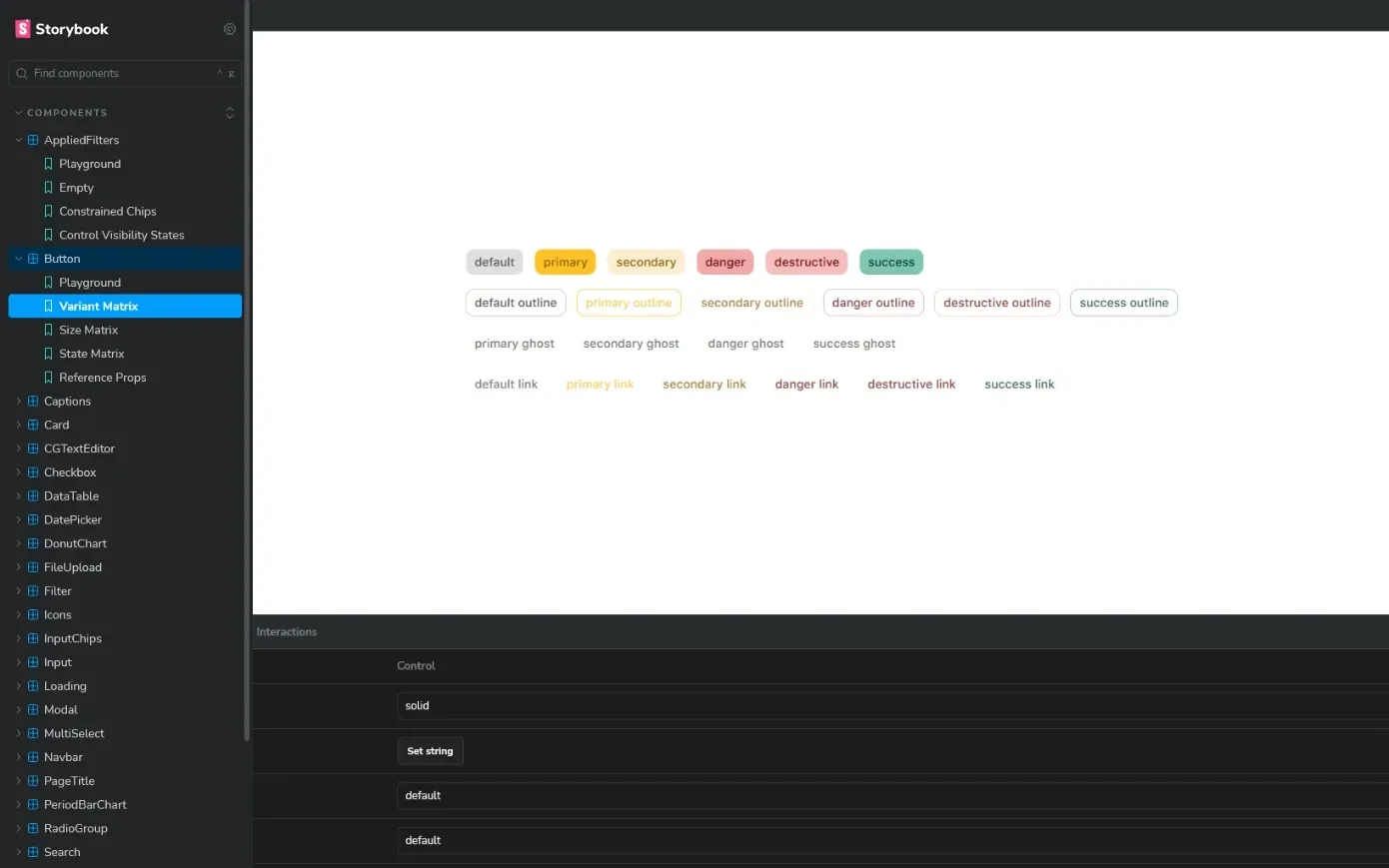
CG Contadores already had a design system: not great, but a solid base. What was missing was getting it into code. Without a shared library, every screen reimplemented the components, and tickets bounced back from review over component differences. react-ui fixes that: apps install one package and get ready-made components with the company's look.
Technical decisions
Why shadcn/ui
It's the best there is in the React world today. Being headless, it lets us build our own abstraction on top of what already exists, and its CSS token pattern is ready to become a theme. And since it's so widespread, AI knows it well: development speeds up a lot.
Why automatic versioning with release-please
Every commit follows Conventional Commits: fix is a patch, feat is a minor and a breaking change is a major. release-please opens a release PR with the new version and changelog; merging it creates the tag and the release. When the version changes, the pipeline runs lint, type-check, tests and build before publishing. Nobody picks version numbers by hand.
Why AWS CodeArtifact instead of npm
The company's infrastructure is already on AWS. Making the package public on npm or paying for another service didn't make sense. Apps point the company scope to the private registry and each developer signs in with a temporary token.
Why built for AI agents
The repo has rules for coding agents (branches, commits, how to port components) and the library ships a skill for its consumers. Anyone using an agent in another app gets the right way to use each component. In the new system, I organized the same kind of documentation (AGENTS.md, CLAUDE.md and skills): the component library plus well-directed AI work is what made screen delivery speed up.
Challenges
- 01Six major versions in three weeks, between April and May 2026: the Button, Modal and DataTable sorting APIs were redesigned early, while few apps used the library. Semantic versioning made every break explicit.
- 02Complex components with simple APIs: the DataTable has virtualization and infinite scroll, and the Modal is opened by a controller, with no state scattered across the screen.
- 03What I'd do differently: today the library has a single entry point. In practice, an app that only uses the button may end up shipping the code for every component, making pages heavier than they need to be (technically, tree shaking isn't tuned). The next step is splitting the entry points so each app loads only what it uses.
Outcome
- ~15 days
- to the first stable version
- 8x
- faster to port a screen, combining the library and AI work
- 2
- apps in production: intranet and client portal
Next case study
Caipira Plus →